
GlowCast Premium
All 18 designs in full motion, an in-game layout with facecam frame, hype meter, goals, your own alerts and one-click scenes in OBS.
- Pay once. No subscription, updates included.
- Everything from Basic stays set up.
- Works without an account or internet connection.
Price
GlowCast Premium
one-time, total price. You get a license key.
Checkout opens soonUntil then, use GlowCast free in Basic. When you upgrade to Premium, everything stays exactly as you set it up.
You get your key right after purchase.
Our Terms and withdrawal policy apply.
18 designs for every kind of stream
Each design styles every overlay at once. One click and your whole stream looks different.
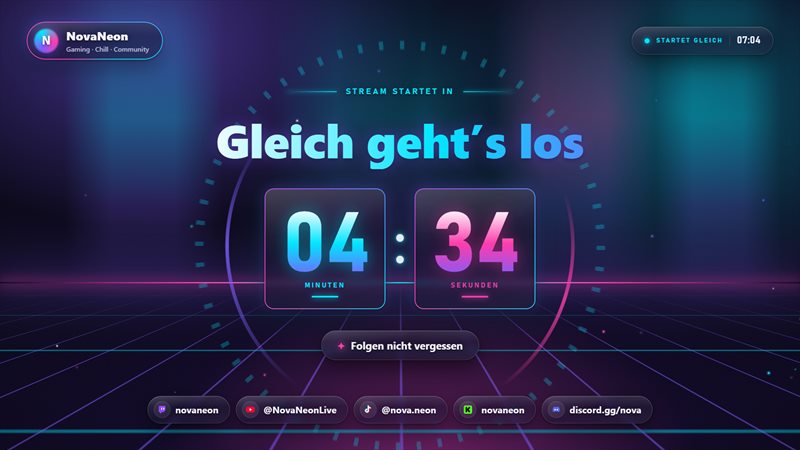
Neon Synthwave 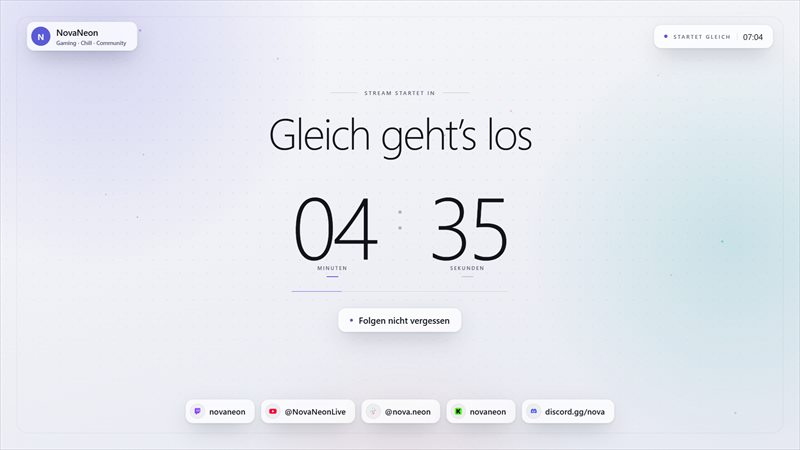
Clean Glass 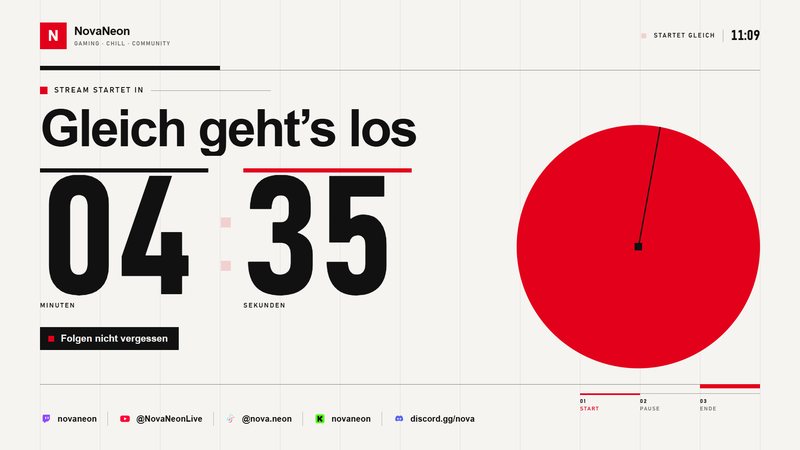
Swiss Grid 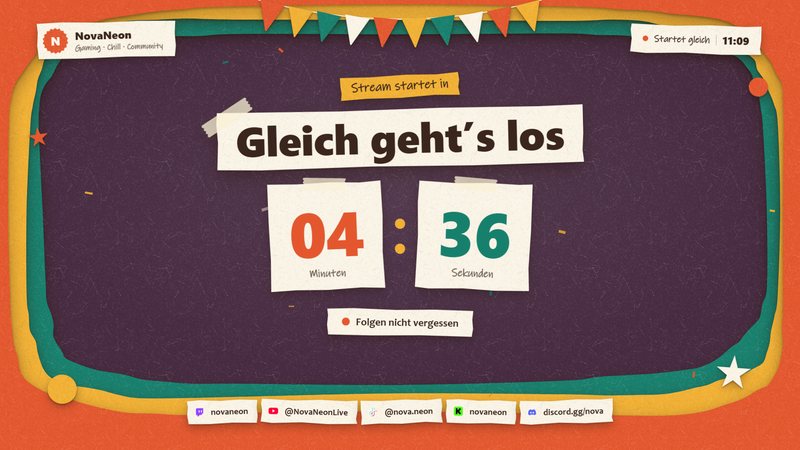
Paper Cut 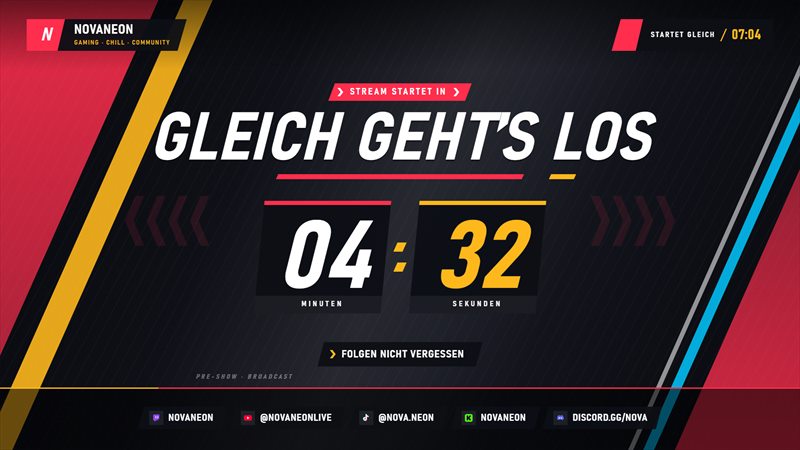
Esport Pro Premium 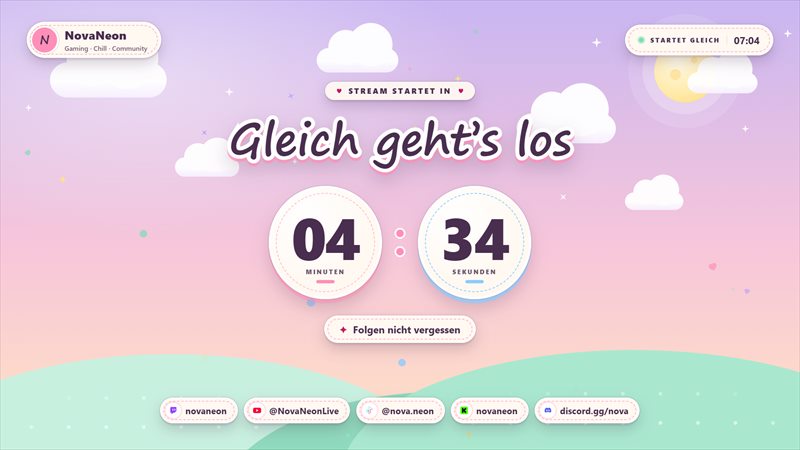
Cozy Pastel Premium 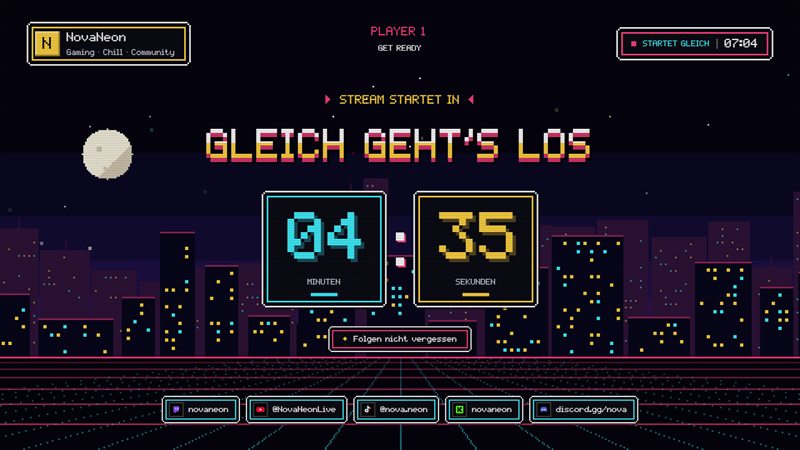
Retro Arcade Premium 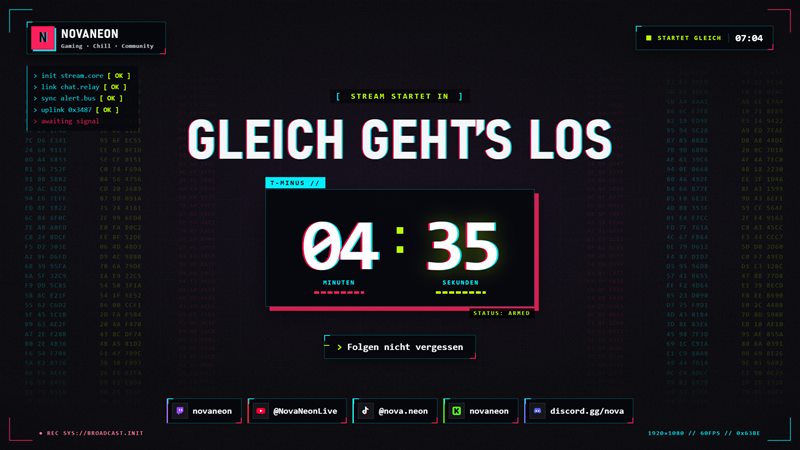
Glitch Cyberpunk Premium 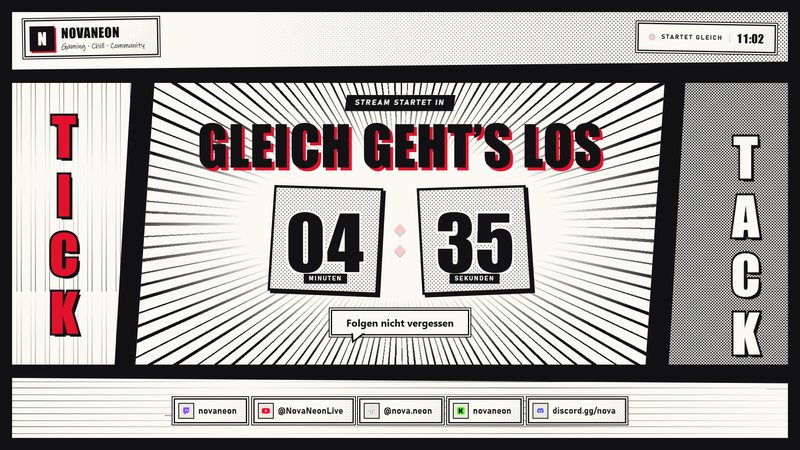
Manga Panel Premium 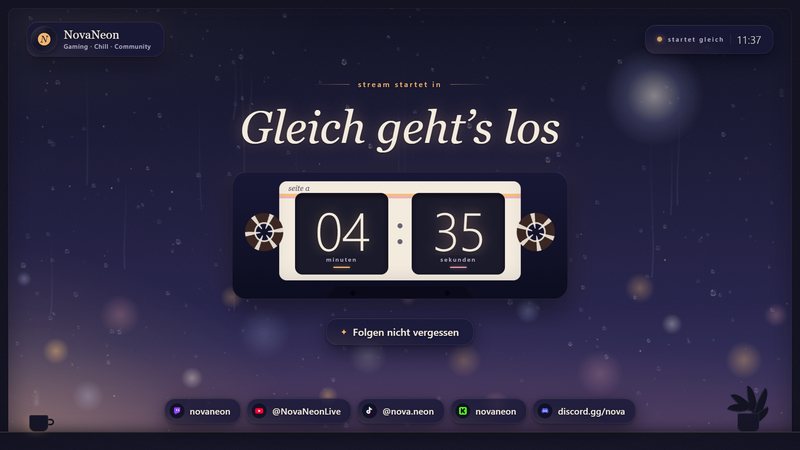
Lofi Night Premium 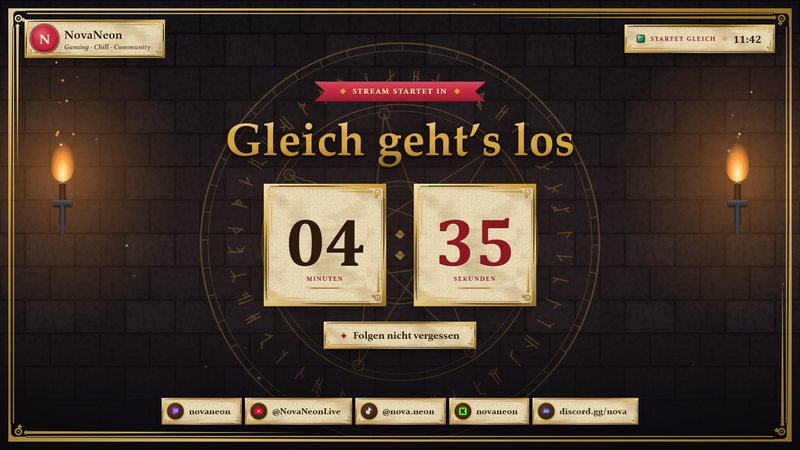
Dungeon RPG Premium 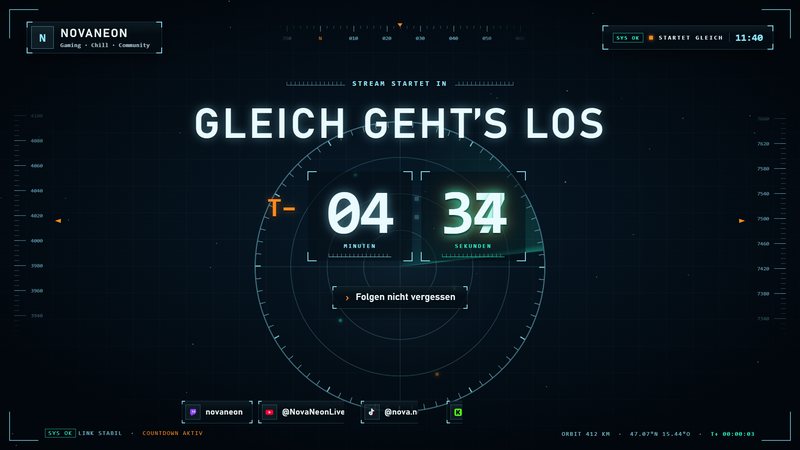
Orbit HUD Premium 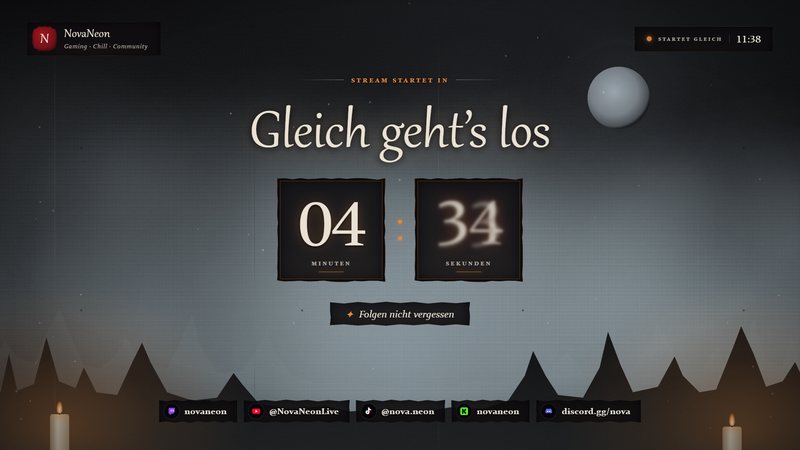
Horror Fog Premium 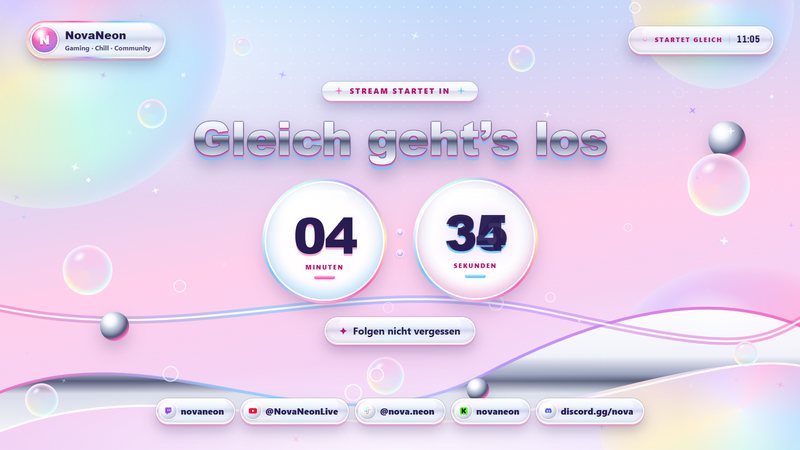
Y2K Chrome Premium 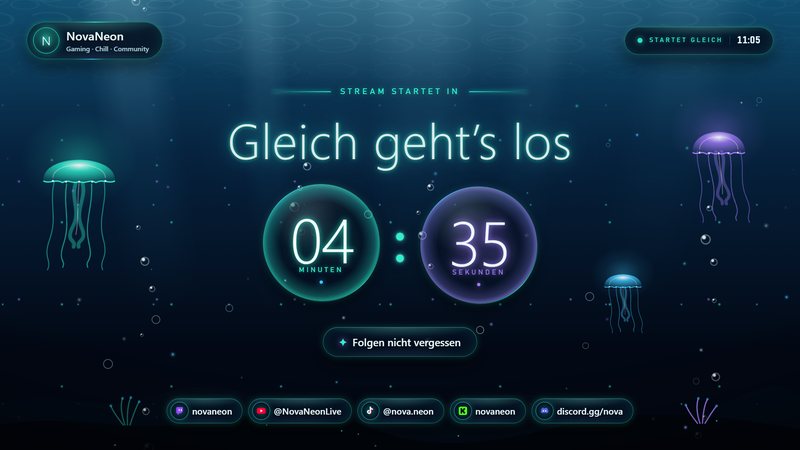
Deep Sea Premium 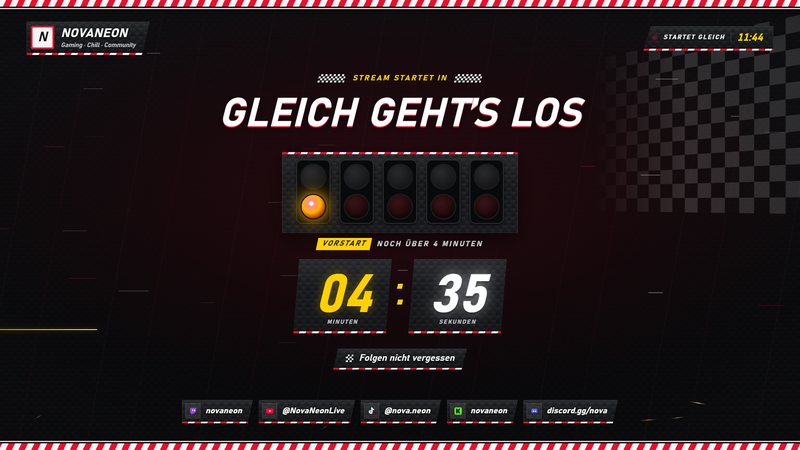
Race Track Premium 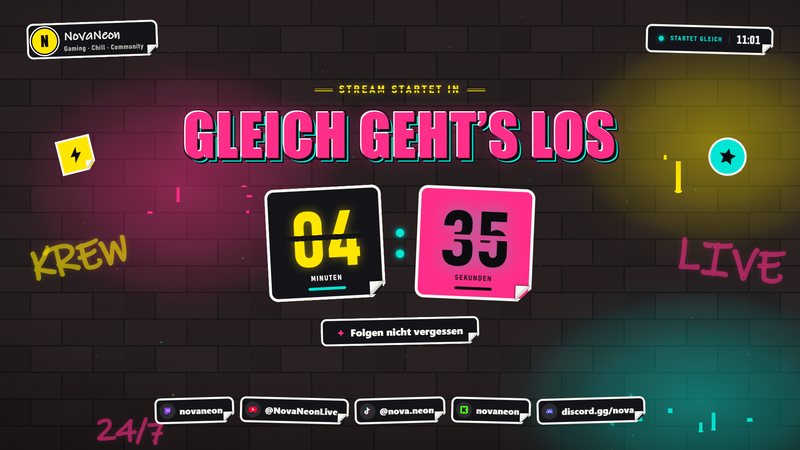
Graffiti Street Premium 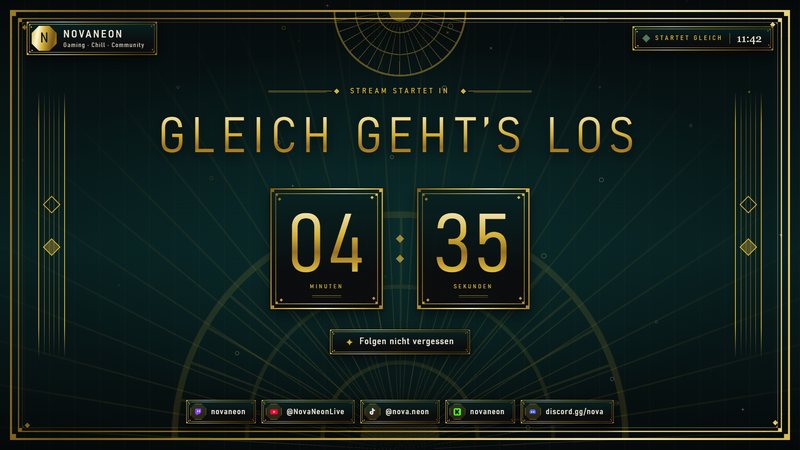
Art Deco Gold Premium
Switch scenes with one click
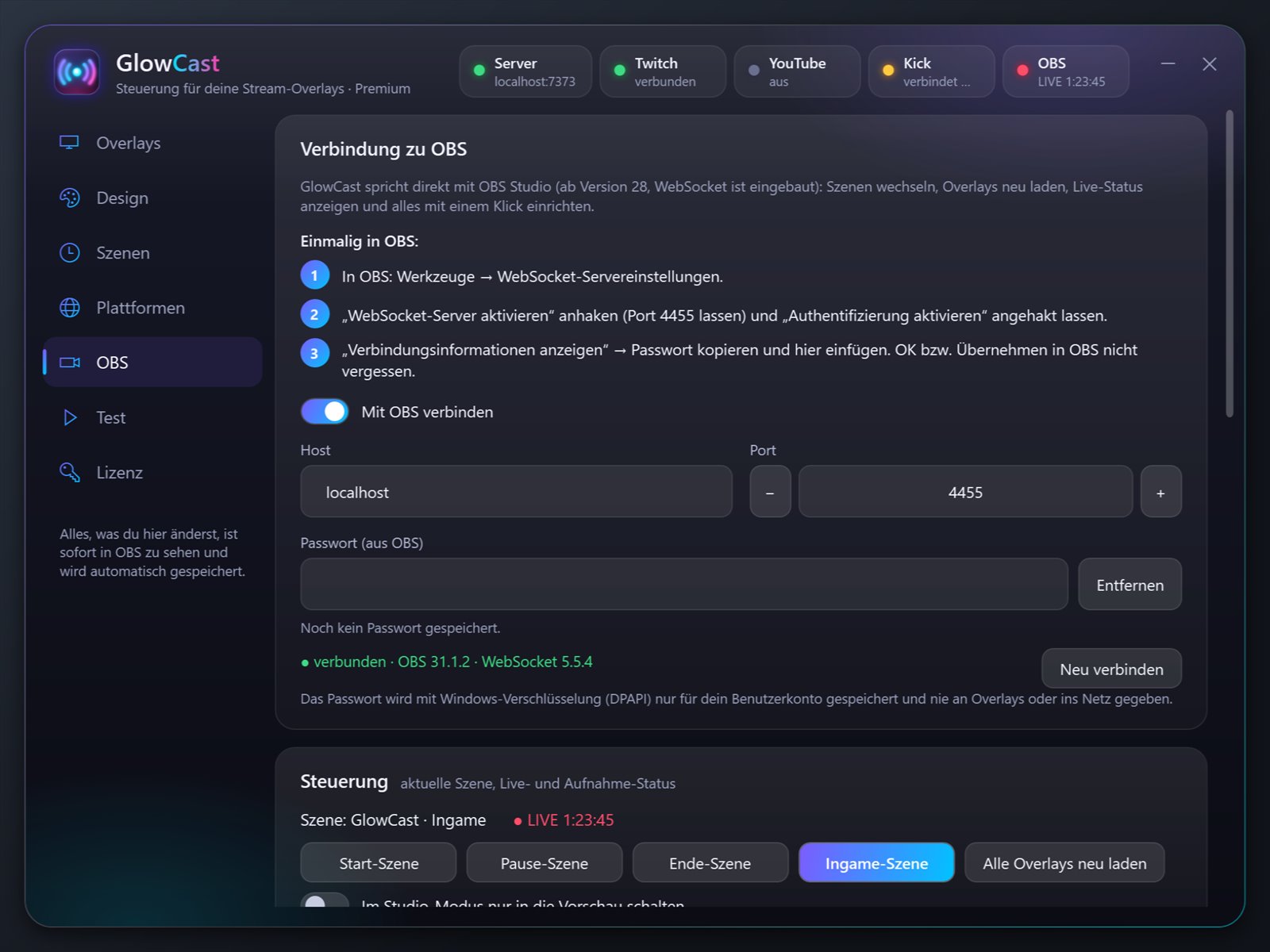
GlowCast creates your Starting, Break, In-game, Just Chatting, Ending and Offline scenes in OBS for you. Then switch scenes from GlowCast or right inside OBS with the control panel, with an animated transition in the style of your design.
- When your stream goes live, GlowCast automatically starts a new session.
- After the countdown, it can switch to your in-game scene on its own.
A stream that feels alive
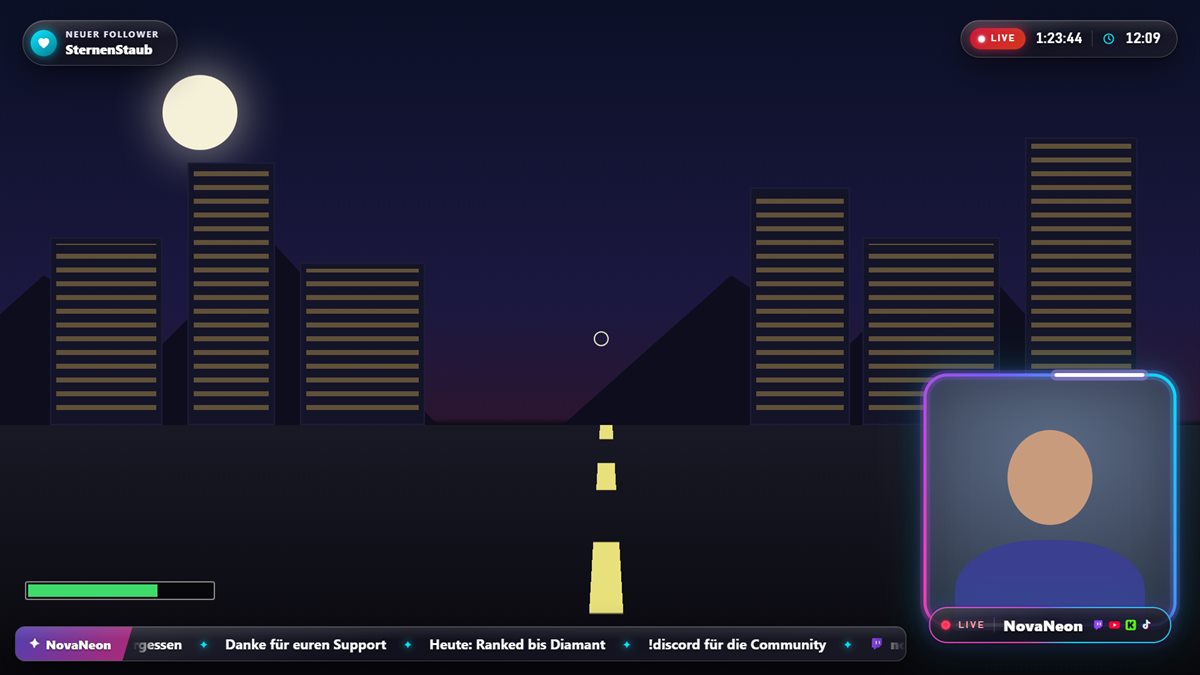
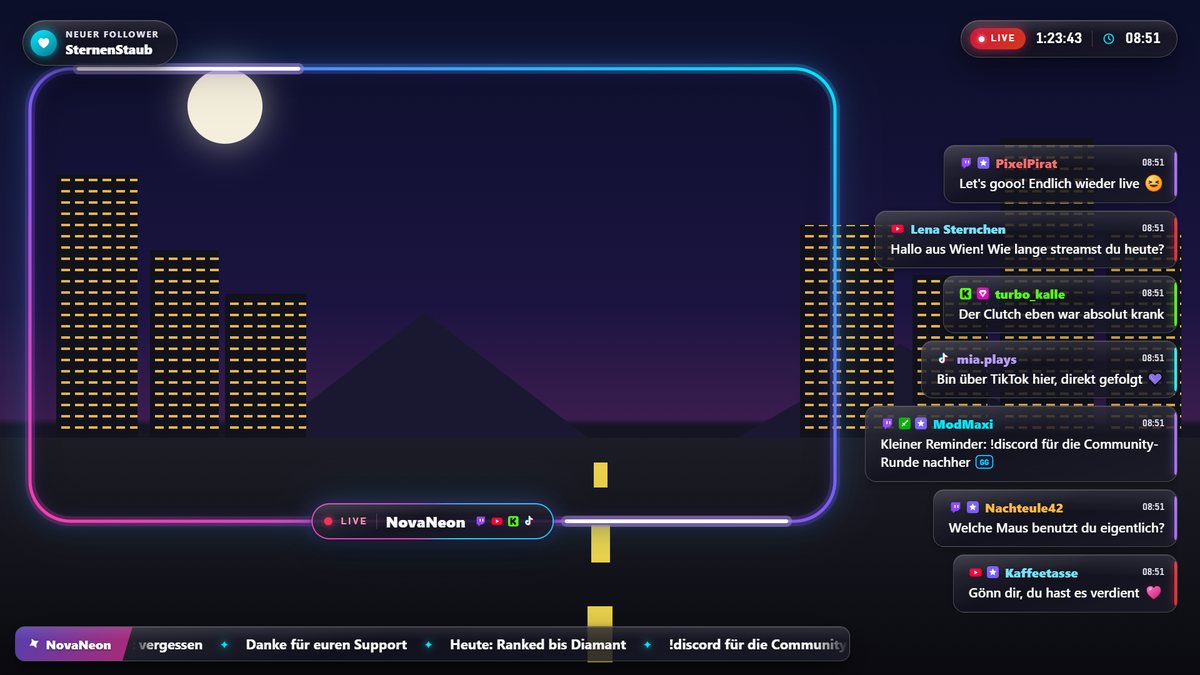
In-game layout with facecam frame, name bar, ticker and clock. The hype meter climbs with every follow, sub and raid, and your overlays light up when chat gets busy. Every design moves with particles and effects; in Basic they stay still.
Goals, events and your own alerts
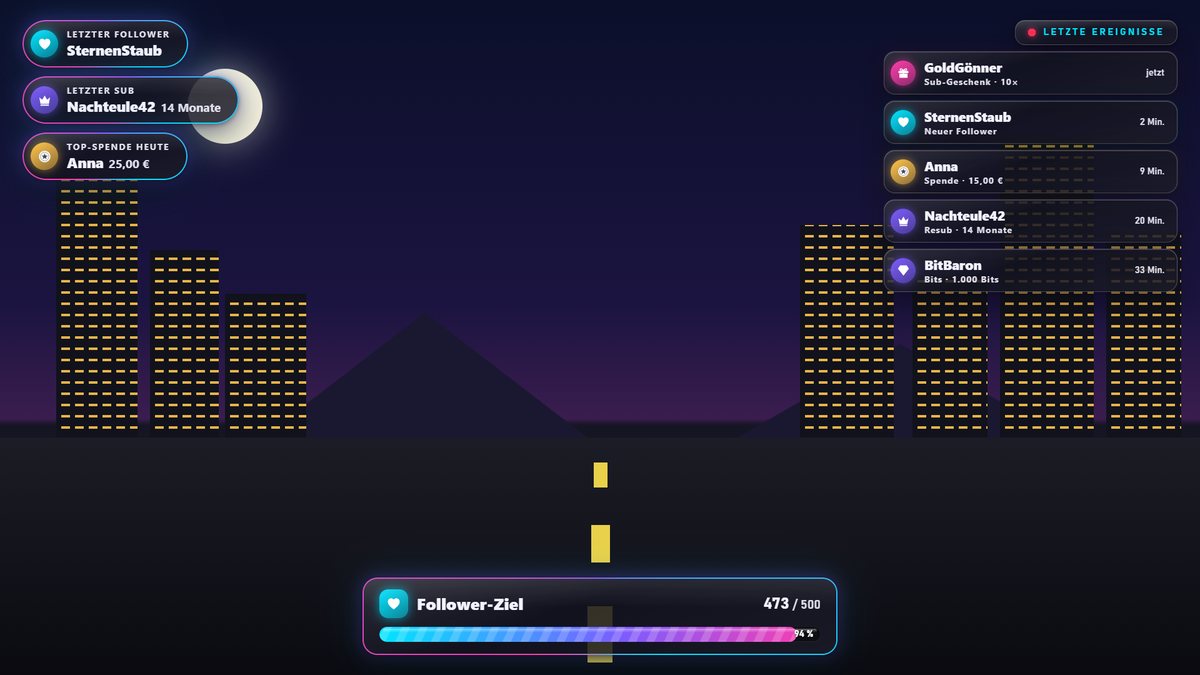
Up to three goal bars for followers, subs, bits or donations, plus a list of your latest supporters. For every alert type you pick your own sounds, images or videos, a minimum amount and your own text.
More platforms, more Twitch
YouTube chat and Super Chats plus Kick chat join Twitch and TikTok. On Twitch, your overlays also show channel points, Hype Train, polls and predictions, as long as your channel has them (Affiliate or Partner).
Custom colors for every design and ready-made channel graphics (panels, banners, offline image, profile picture) round it all off.
Add your own branding
With Custom Design, we set up Premium to match your logo, channel graphics included. Ready to drop in, with instructions.
How to enter your key
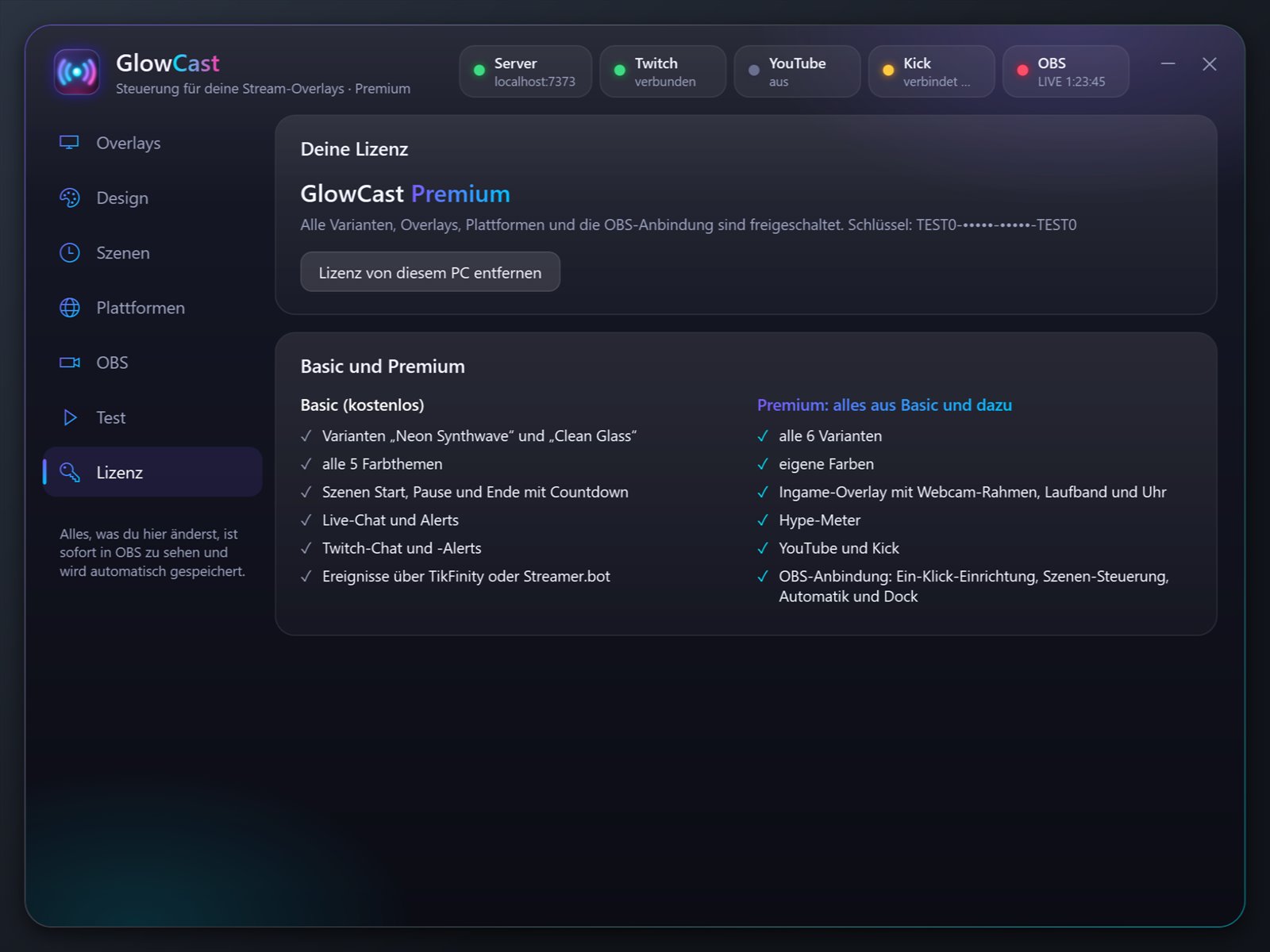
Open the “License” tab
Start GlowCast and click “License” on the left.
Paste your key
Paste the key from your order.
Unlock
Premium is active right away, no restart needed.
Questions about Premium
What happens to my settings?
Nothing gets lost. Everything you set up in Basic stays. If you pick a Premium design in Basic ahead of time, it goes live the moment you enter your key.
Does the license need internet?
No. There’s no sign-in and no account.
Can I remove the license again?
Yes, on the “License” tab with “Remove license from this PC”. GlowCast keeps running as Basic and your settings stay.
What about updates?
They’re included. GlowCast updates itself and your key keeps working.
Try it first, unlock later
Download GlowCast for free and set up your overlays in Basic. Your key adds everything else.