
Download GlowCast
One file for Windows 10 and 11. You get GlowCast Basic, free and with no time limit. Unlock Premium later right inside the app.
The first version is coming soon. Until then, you can watch every design live on the home page.
GlowCast-Setup.exe installs GlowCast Basic. After that, updates arrive on their own.
Download GlowCast-Setup.exe- Version
- Released
- SHA-256
What you need
- Windows 10 or 11.
- OBS Studio, a current version.
- No account, no admin rights.
Install
Run the file
Open GlowCast-Setup.exe from your Downloads folder.
Confirm the Windows prompt
If Windows says “Windows protected your PC”, click “More info” and then “Run anyway”.
Click “Install”
GlowCast installs into your user folder, with a desktop shortcut if you like, and starts right after.
Add an overlay to OBS
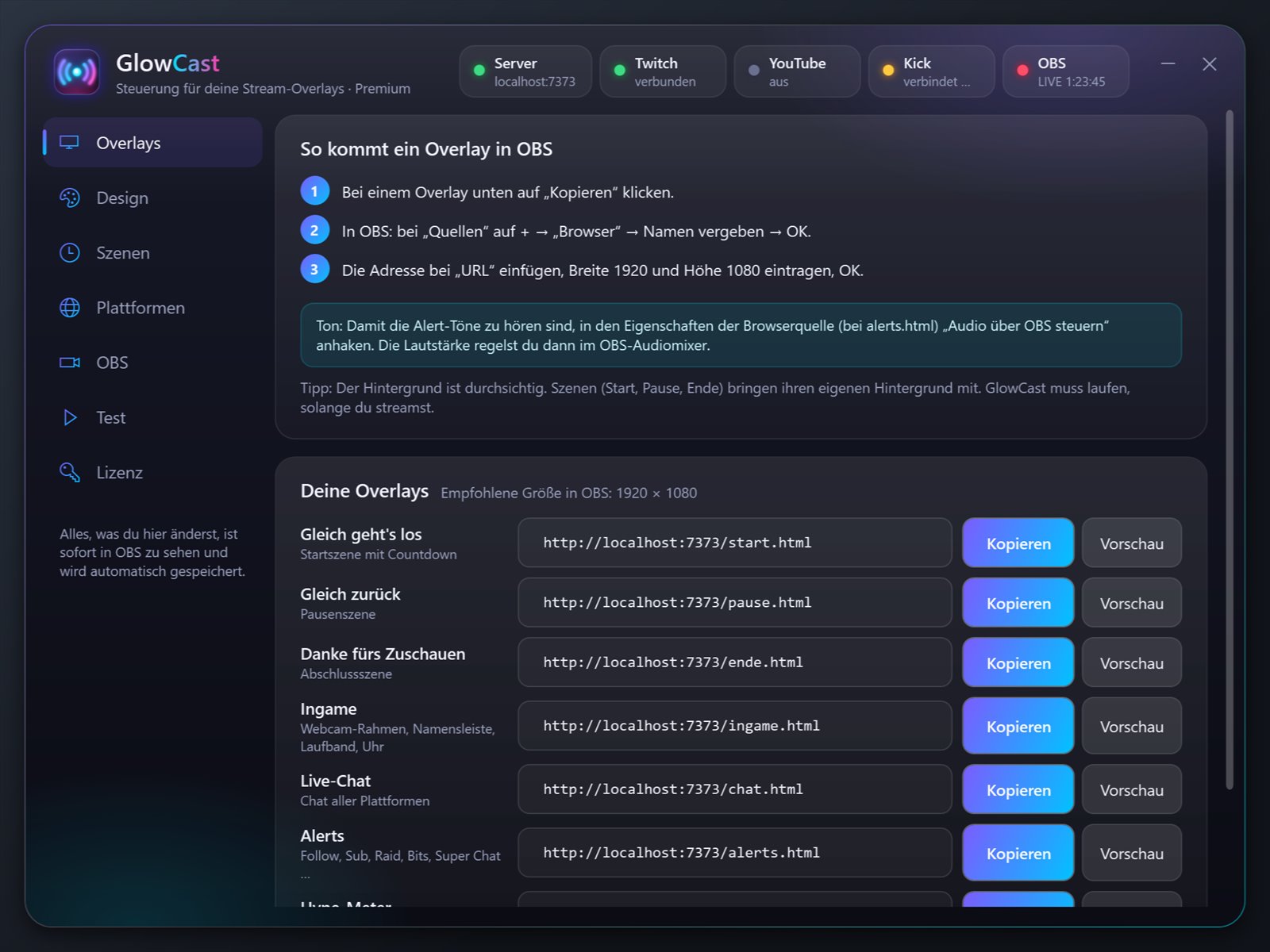
In the app, click “Copy” next to an overlay and paste it into OBS as a browser source.
Why does Windows show a warning? SmartScreen warns about programs that don’t have a code signing certificate yet or are new. GlowCast only installs into your user folder and needs no admin rights.
Updates and uninstalling
GlowCast updates itself and keeps your settings.
You can remove GlowCast under Settings, Apps, GlowCast or from the Start menu via “Manage GlowCast”. Your settings stay on your PC unless you turn on “Also delete settings”.